
Quickstart
The big advantage of Memory Model isn’t just the architecture’s scalability and retrieval accuracy—it’s how deeply you can customize it.
In this quick start you will:
- Create a workspace cluster
- Define the memory nodes you need
- Insert data into your cluster
- Retrieve data with factual, conceptual, and hybrid strategies
- Plan customization for your use case
-
Contact the Sales Team
Reach out to our team to get started and access onboarding. founders@memorymodel.dev
-
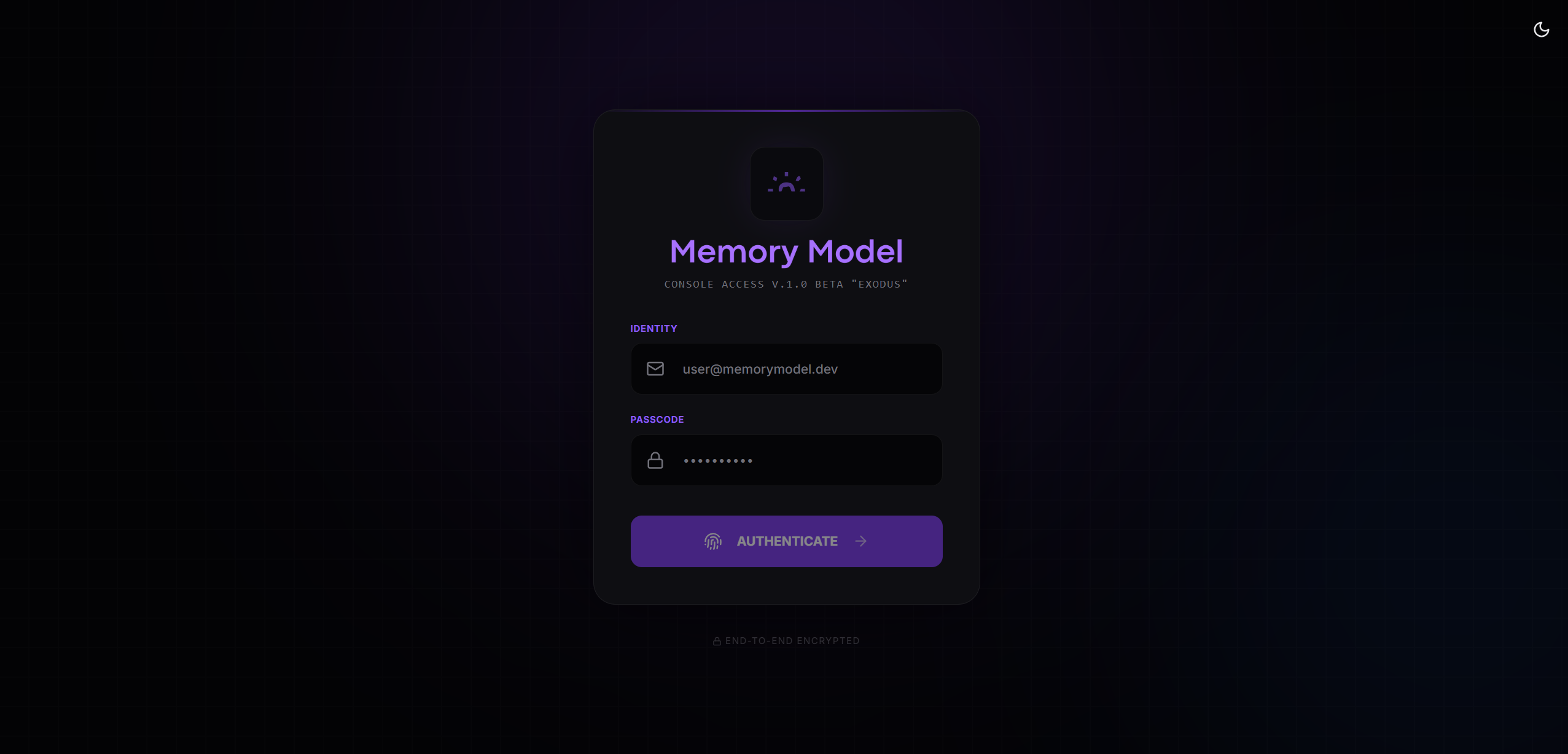
Log in to the Dashboard
Go to app.memorymodel.dev and sign in using the credentials sent via email by the
memorymodel.devteam.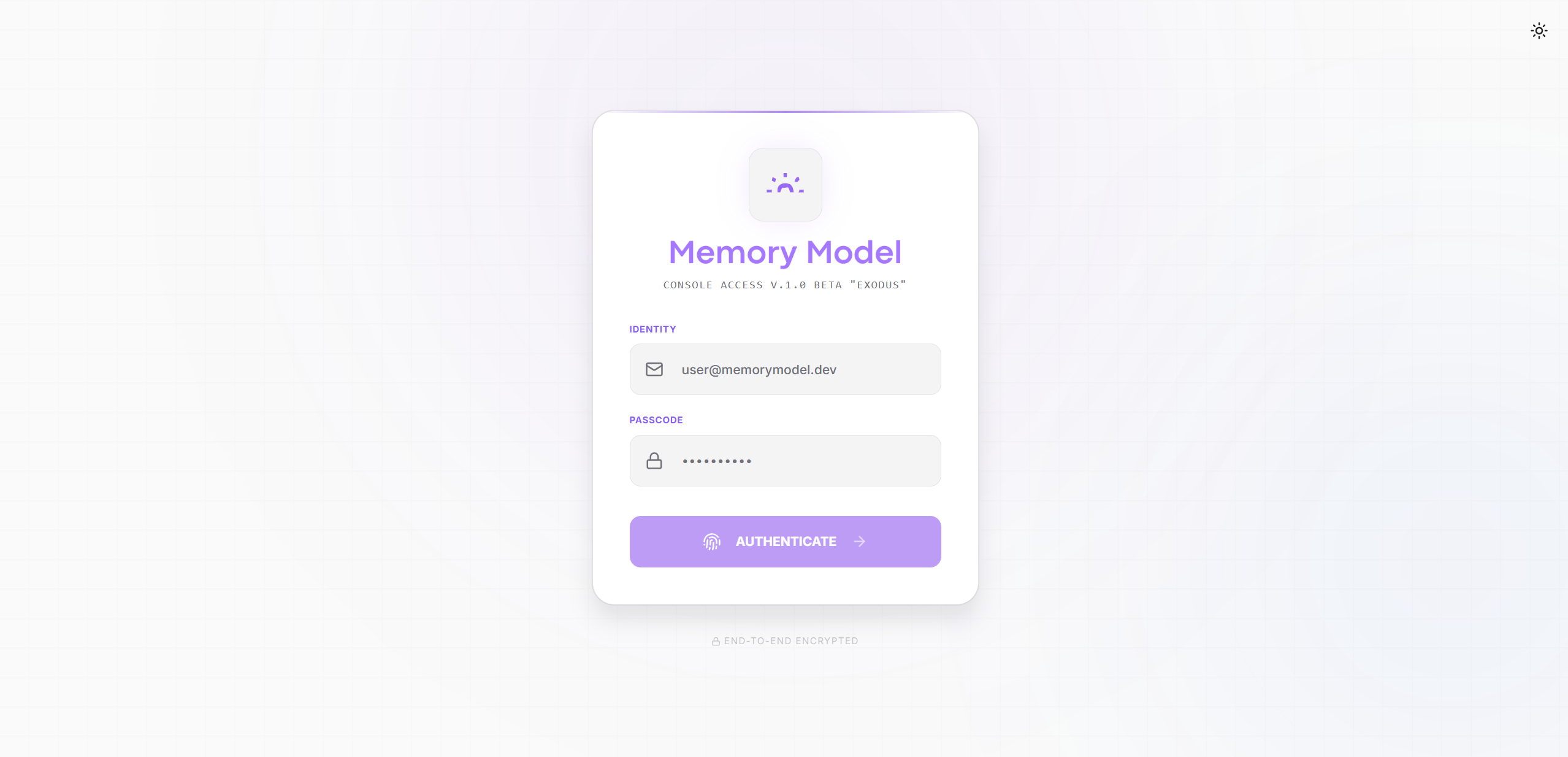
-
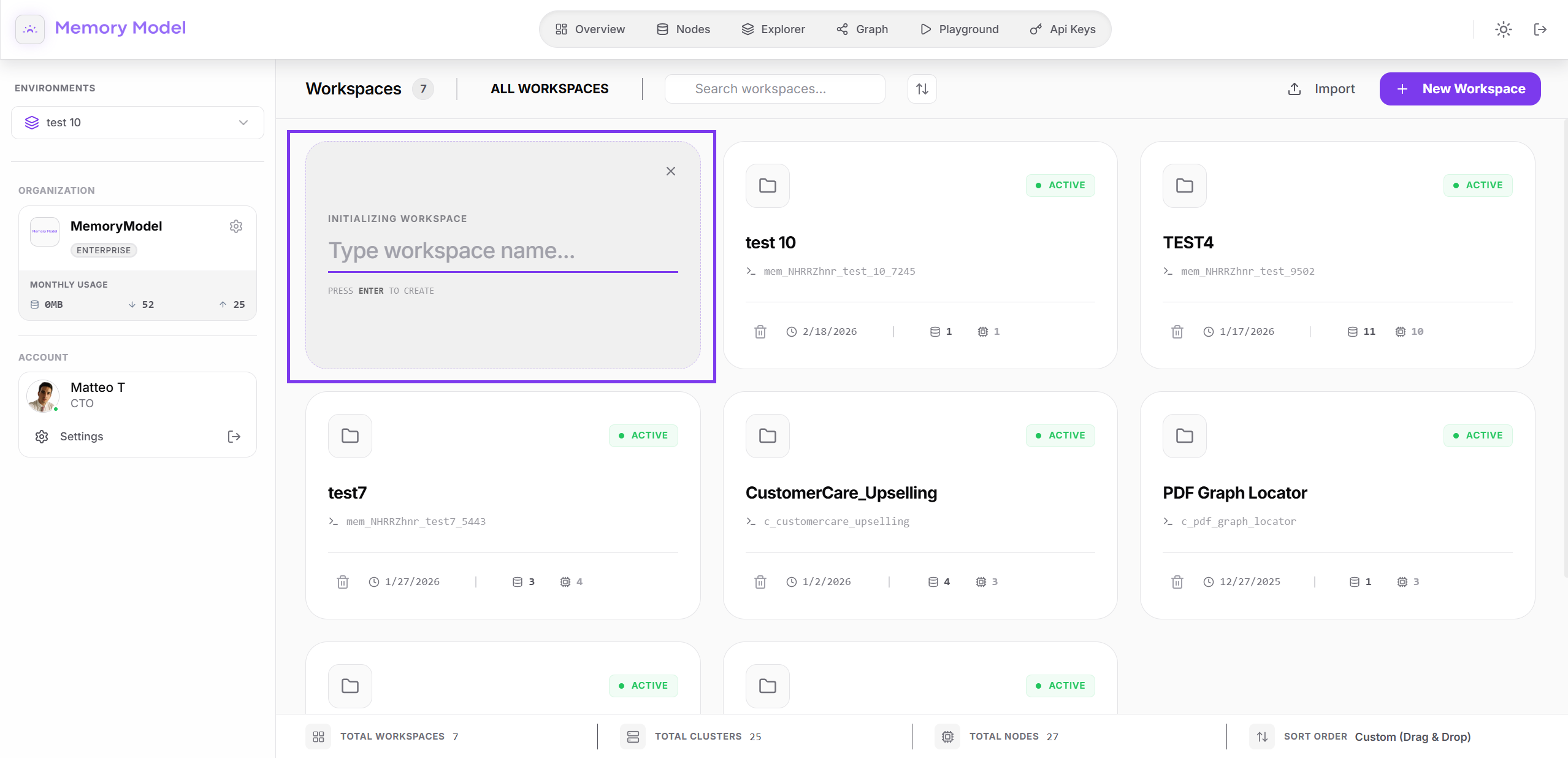
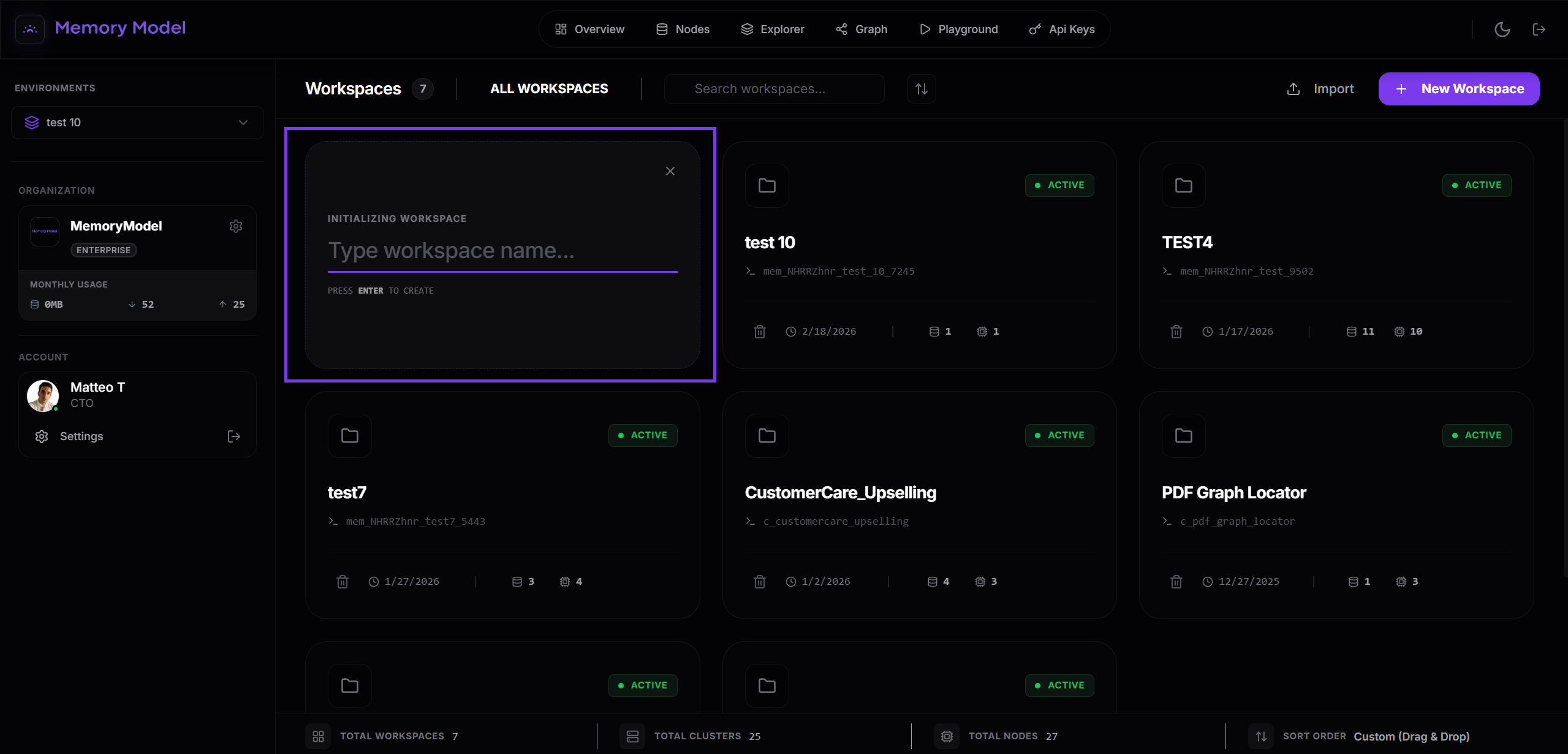
Initialize Your First Workspace
From the dashboard, create your first workspace.
- Click “Initialize Workspace”.
- Enter a clear workspace name.
- Click “Enter”.
-
Create a Cluster in Your Workspace
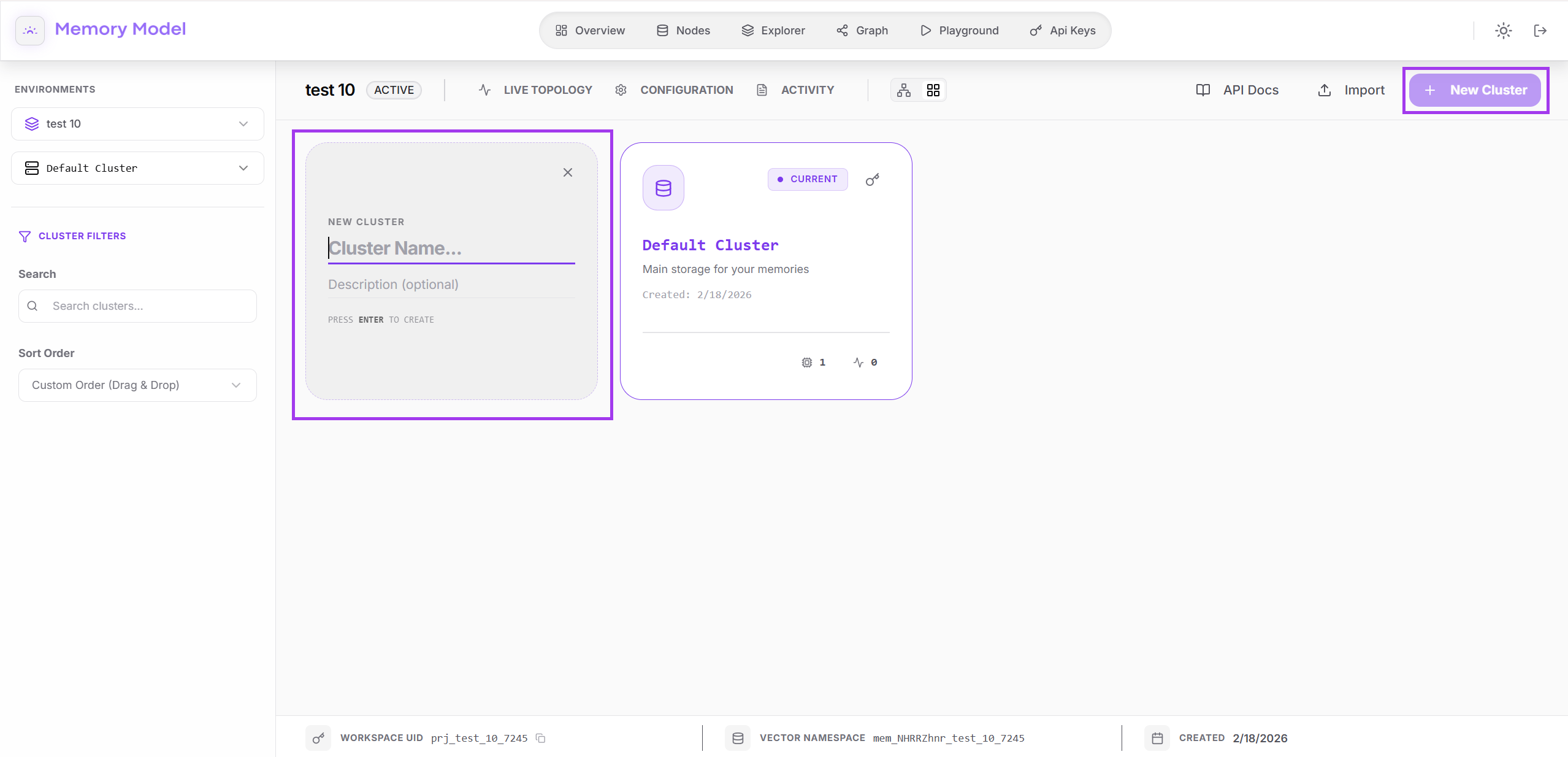
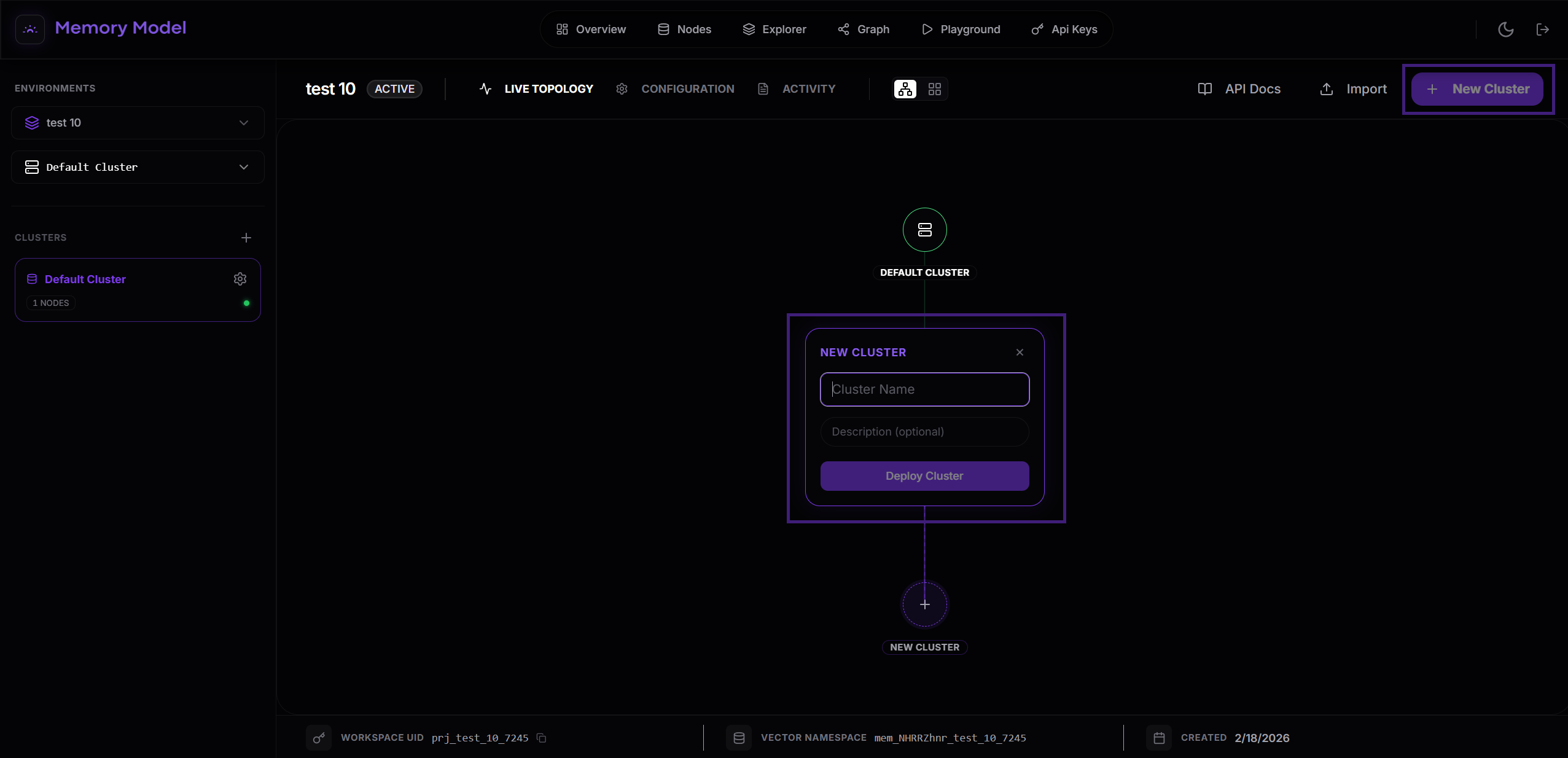
Inside a workspace, you’ll find the memory cluster list on the left (and reflected in the graph). Create a new cluster by clicking “Create Cluster”.
- Click “New Cluster” in the top-right.
- Enter a clear designation and description.
- Click “Deploy” to create the cluster.
A cluster is designed to contain all the memories relevant to a specific agent.
-
Open the Cluster and Deploy a Node
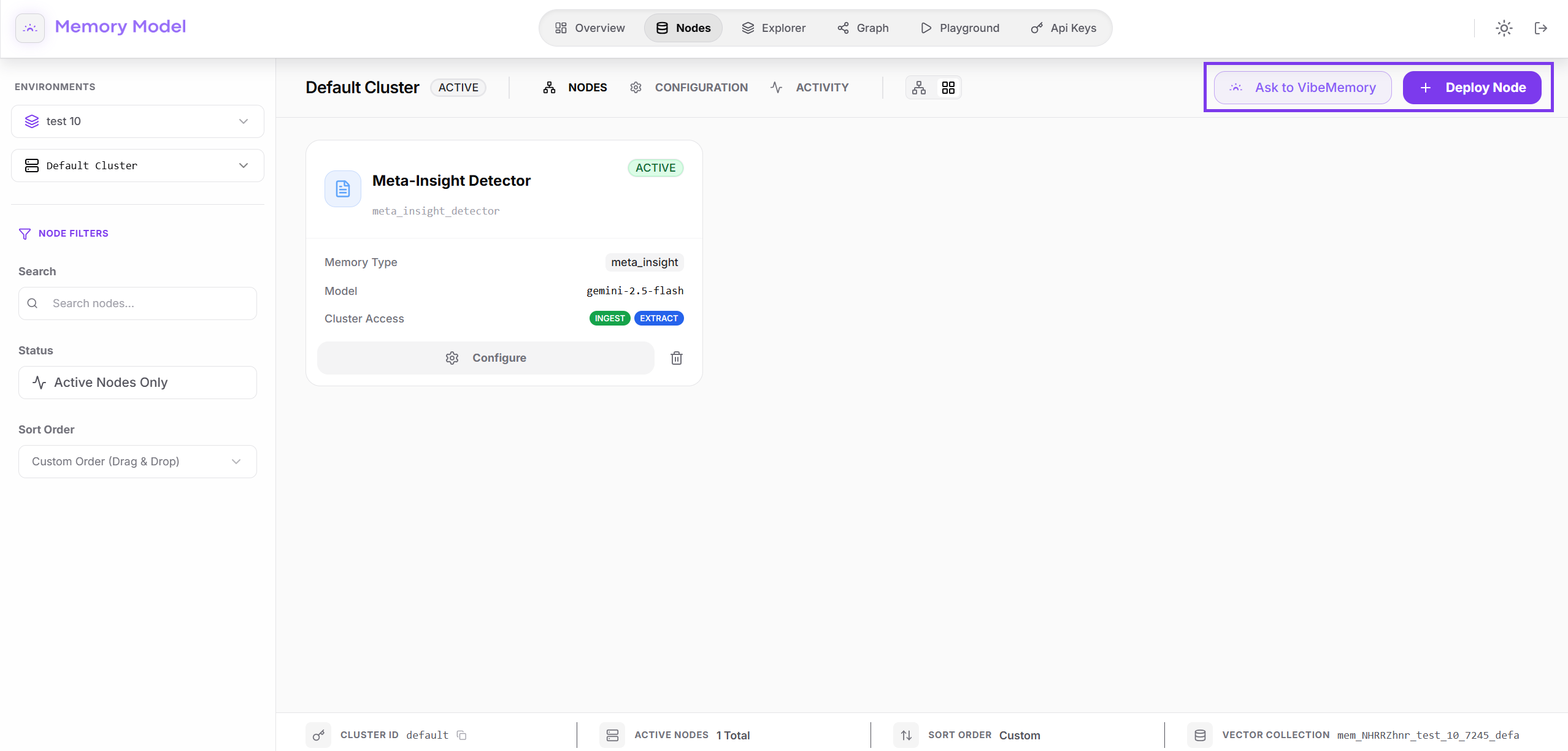
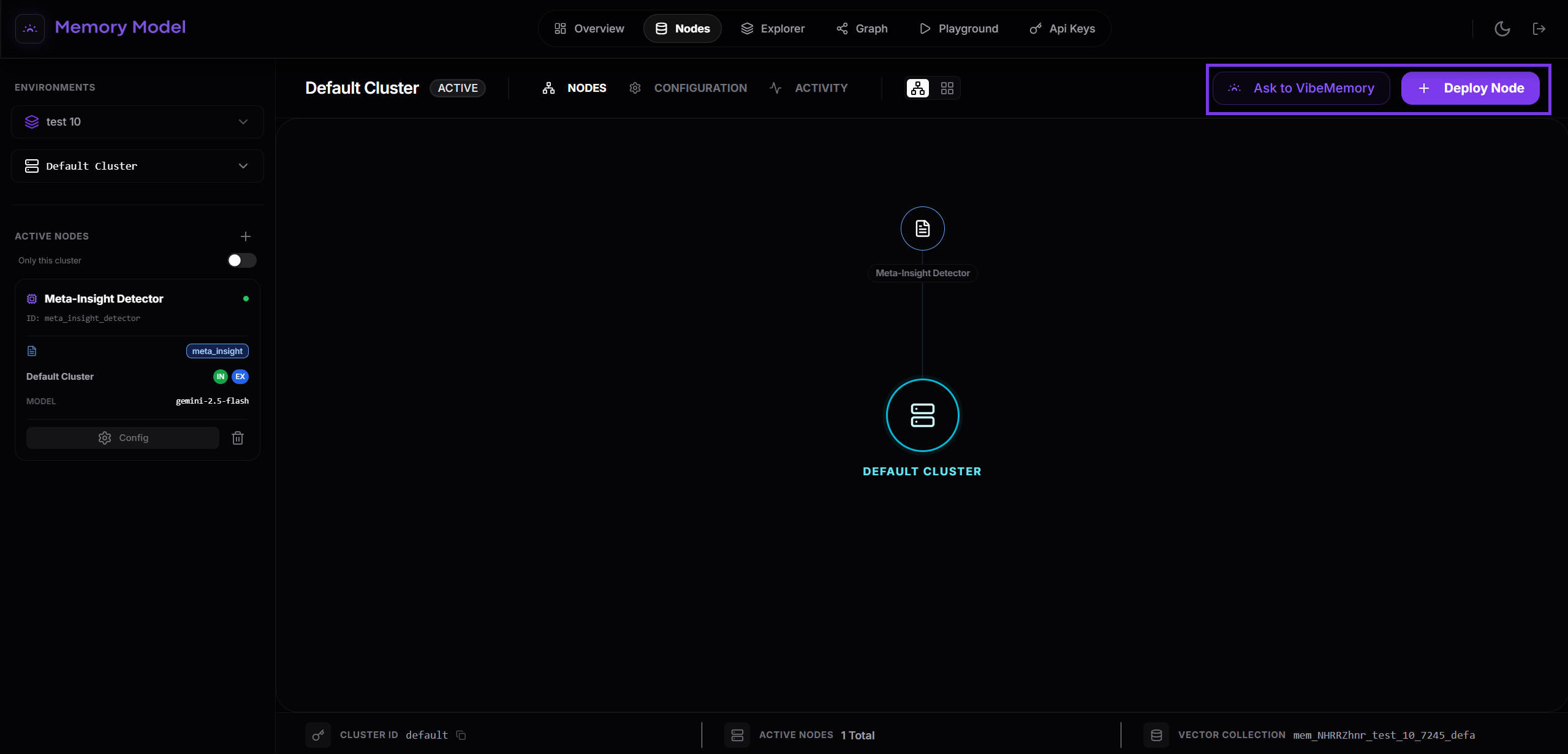
Select the desired cluster to view its current architecture. From here, you can create a new node by clicking “Deploy Node”.
- Open the target cluster from the left sidebar.
- Review the graph topology and active nodes.
- Click “Deploy Node” to add a new memory node or ask VibeMemory to do it for you (VibeMemory guide here).
We will continue with the classic approach.
-
Define the Memory Nodes You Need
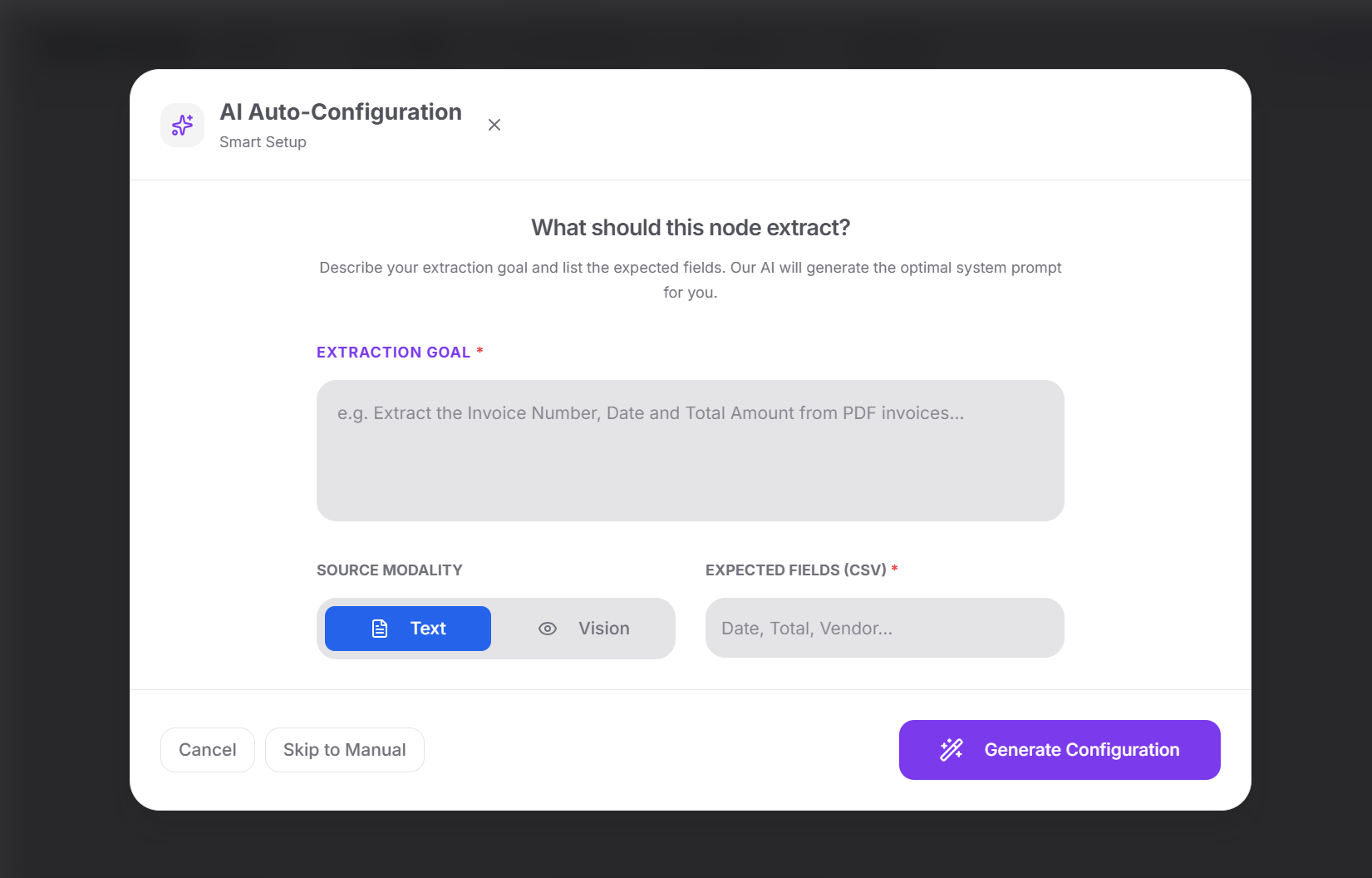
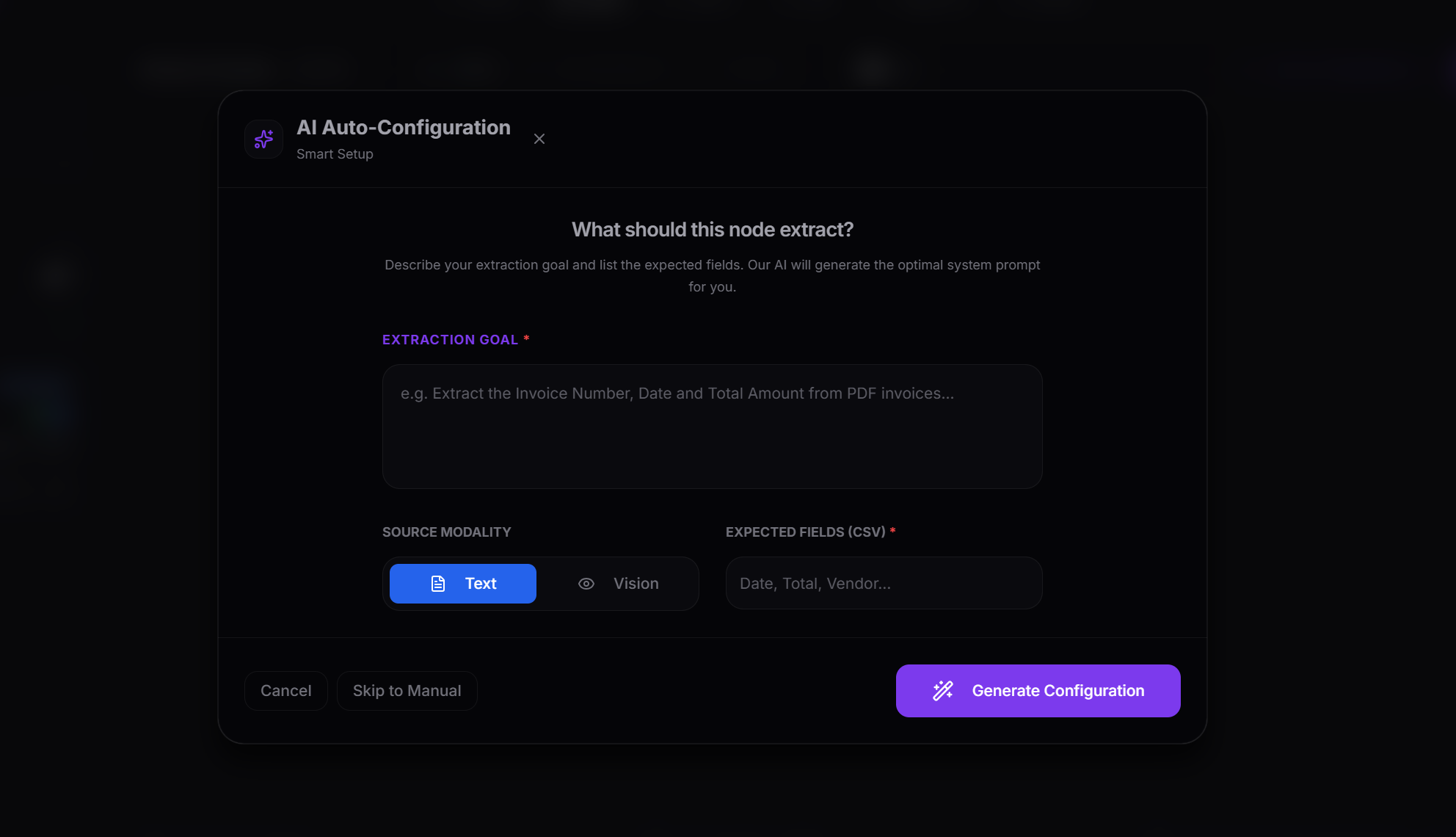
You can fill out the form describing your goal and setting the type of data formatting that the memory should expect in source modality and expected field. Alternatively, for experienced users, you can switch to manual settings.
If you are a pro user, you can set the node manually by filling out this form:
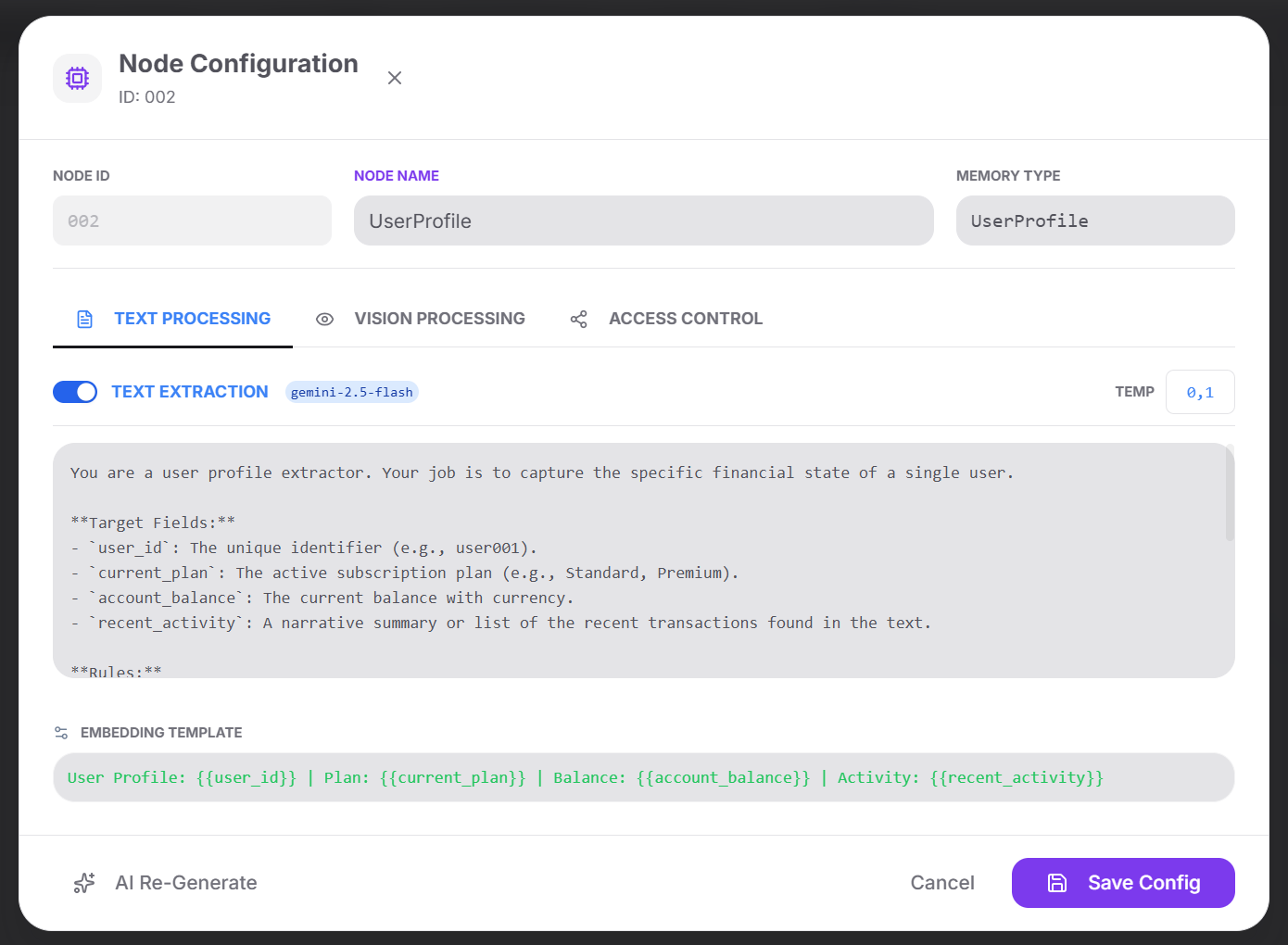
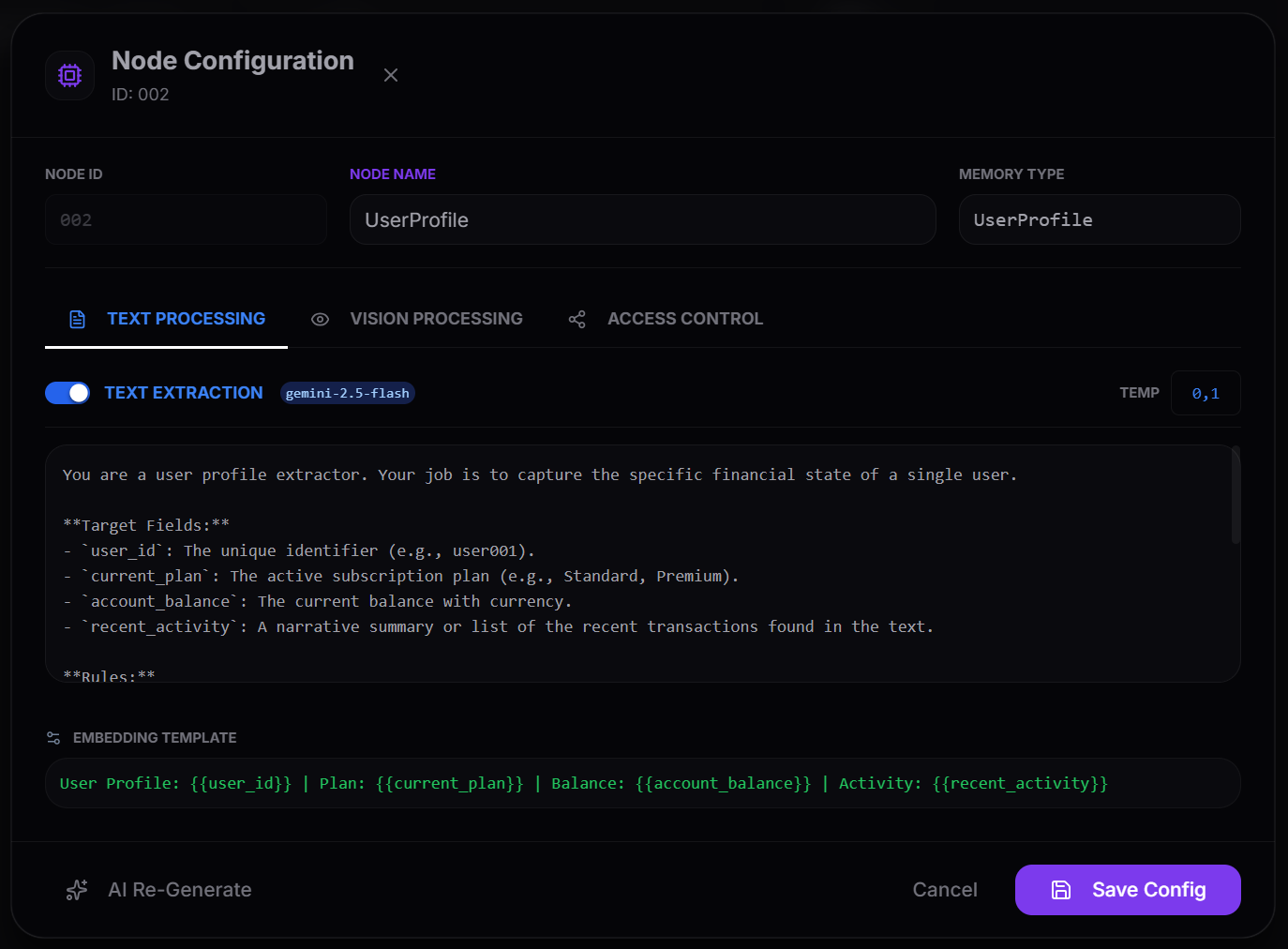
- In the Model ID, provide: provider, model family, and version (e.g.,
gemini-2.5-flash). - In the Embedding Template, define what MemoryModel sees during search using Liquid syntax, for example
{{ summary }} - {{ keywords }}.
- In the Model ID, provide: provider, model family, and version (e.g.,
-
Create API Key
Generate and secure an API key for programmatic access.
- Go to
Dashboard → API Keysand click “Generate Key”. - Enter a meaningful alias.
- Copy the secret key immediately.
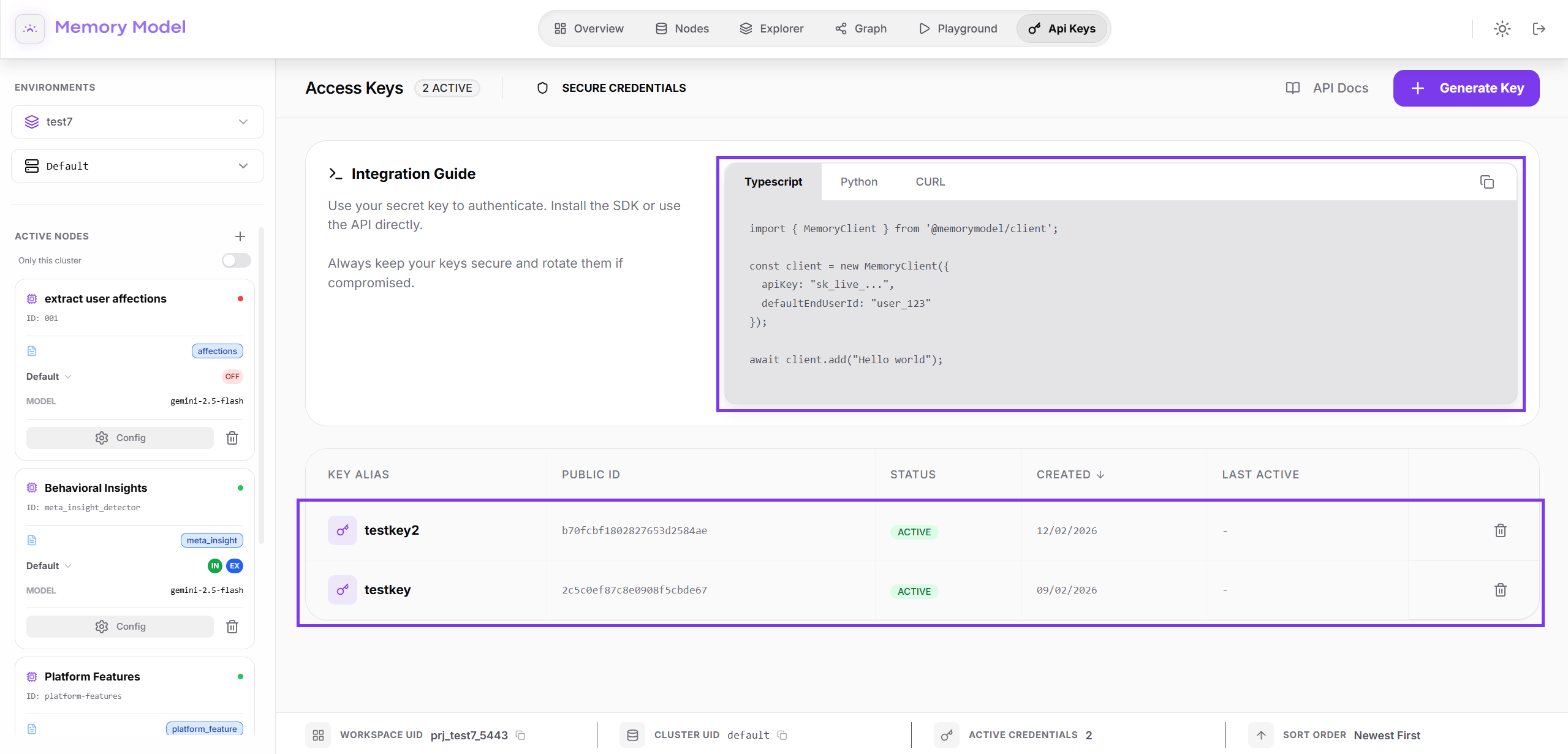
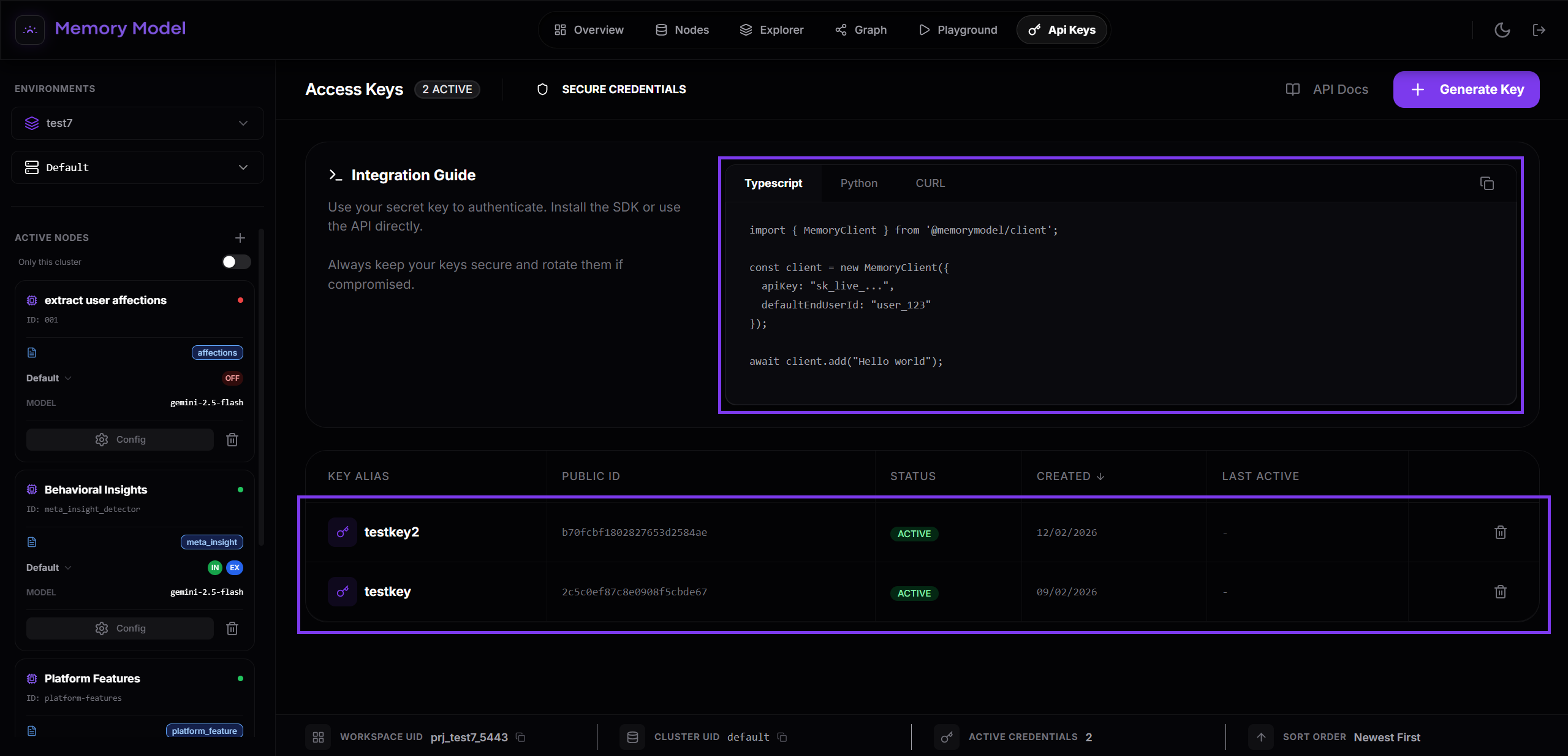
- Use it in requests via
Authorization: Bearer <YOUR_API_KEY>.
- Go to
-
Insert Data into Your Cluster
Insert your first items into the cluster using CSV import, API calls, or streaming logs.
-
Next: Add or Search Memories
Choose your next action.